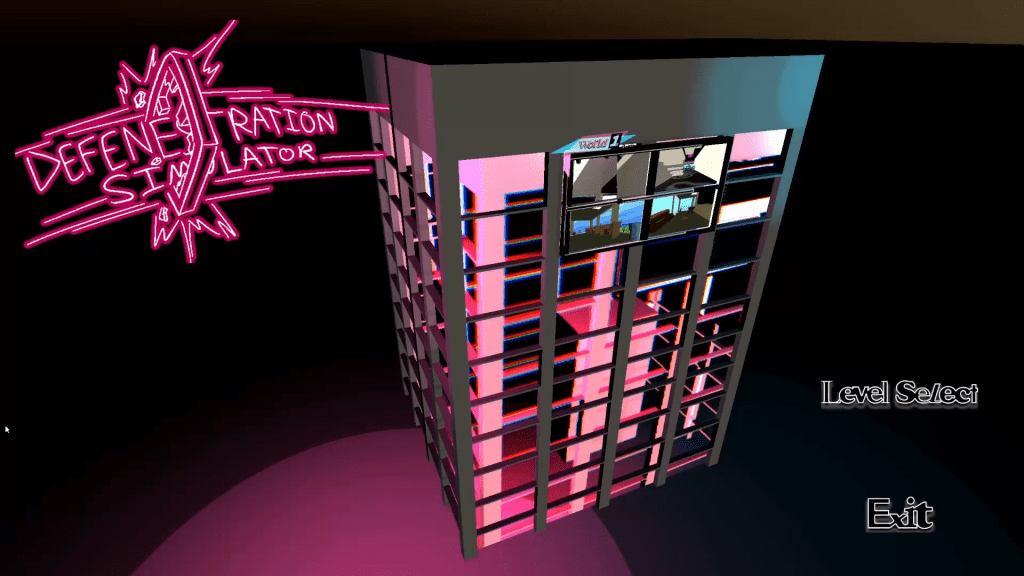
Defenestration Simulator is a first person “window thrower”, where you play as an angry maid that decides to throw everything out windows. Taking inspiration from the high paced first person shooter Ultrakill, Defenestration Simulator is a Playstation 1 style game that has the player stylishly throwing objects out the window, building up your style meter in the process, whilst trying to complete the level as quickly as possible. This is my senior capstone project that I’m a part of as a sound designer and 3d modeler. I decided to switch to utilizing different programs for this project to sharpen my skills, with the programs being FMOD, for music and sound integration, and Blender for 3D model painting.
Itch.io link: https://todoslocos.itch.io/defenestration-simulator
Below is the jump SFX that was created in FL Studio, utilizing the Vital synth plug in.
Jump:
This is the dash and dash throw SFX, this was created via editing a free use sound from a sound library and editing it to sound more distorted.
Dash:
Dash Throw:
For the glass break SFX, it was important to ensure that the audio feedback did not get monotonous for the player to hear each time the window was broken. To solve this issue, I utilized FMOD’s Multi Instrument feature, which allowed to have 3 different glass shatter sounds to be played randomly (each having a 33% chance of being played) whenever the sound is called.
Glass Break 1:
Glass Break 2:
Glass Break 3:
This is the ground pound SFX that created by a raw recording though Audacity, then edited through FL Studio to polish it up.
Ground Pound:
This is the pick up SFX that plays whenever the player picks up an object. Similarly to the window shatter, the player is going to hear this very often, so to offset fatigue I utilized FMOD’s Modulation feature that randomly changes the pitch of the SFX slightly whenever it gets called.
Pick up:
The throw SFX utilizes a mixture of Multi Instruments and Modulation, with each SFX having their pitch randomly change slightly, and both SFX having a 50% chance of being used when called.
Throw 1:
Throw 2:
The UI select and De-elect sounds play whenever the player clicks on a button in the menus or goes back in the menus. It was important to have the SFXs be short and sweet, but also stylized enough to where it’s not uninteresting.
UI Select:
UI De-Select:
Finally, these sound effects play whenever the player pauses the game. When the player pauses the game it will play a longer glass shatter sound effect, but when the player un-pauses the game the sound effect will be played in reverse.
Paused Game:
 Brendon Wright Portfolio